How to Easily Register for the Farmer Registration App (Gujarat, MP, Maharashtra)
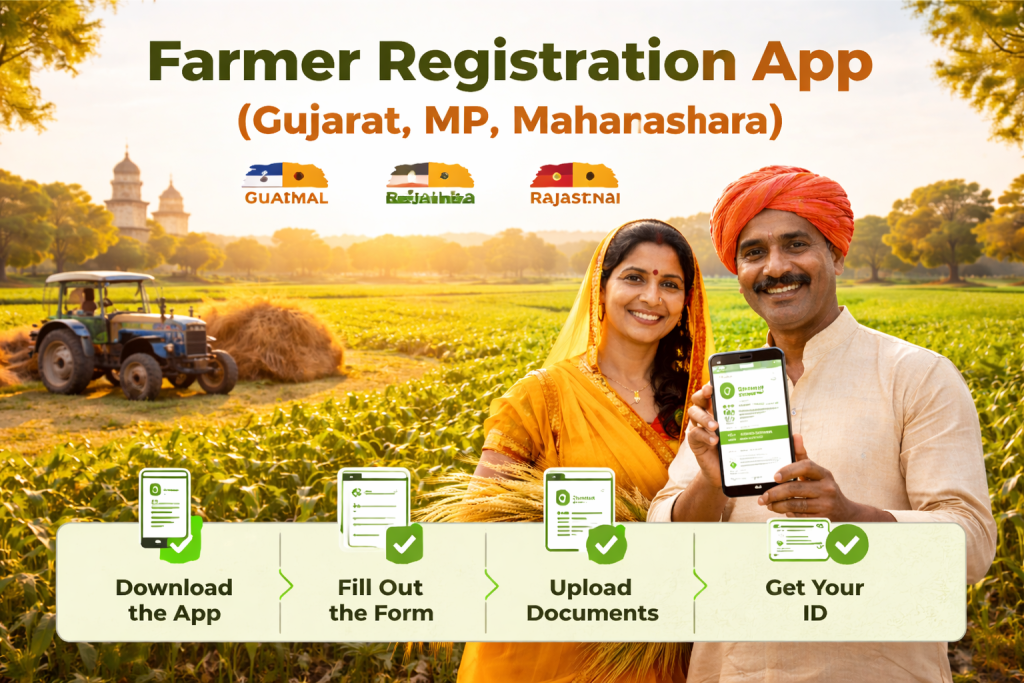
The Farmer Registration App is a key tool to streamline the registration process for farmers in Gujarat, Madhya Pradesh (MP), and Maharashtra. By using the official app, farmers can register for PM Kisan, crop insurance, subsidies, and other government schemes seamlessly from their mobile phones.
In this step-by-step guide, we’ll show you how to easily complete your registration on the Farmer Registration App. Follow the instructions closely to ensure your details are correctly submitted for the benefits you’re eligible for.
Why Should You Use the Register for the Farmer Registration App?
The Farmer Registration App is designed to simplify the registration process for government schemes, reduce paperwork, and make accessing financial aid and agricultural support more efficient. Here are some of the key benefits:
- Direct Cash Transfers: Ensure eligibility for schemes like PM Kisan and other direct benefit transfers.
- Crop Insurance: Easily register for crop insurance schemes and protect your farming investments.
- Subsidies and Loans: Access state-specific subsidies and loans to support your farming activities.
- Time-Saving: No need to visit government offices; everything can be done from your mobile phone.
- Reduced Errors: Ensure your land ownership and personal details are accurate in government records.
Key Resources for the Register for the Farmer Registration App
| Resource | Link |
|---|---|
| Farmer Registration App (Gujarat) | Gujarat Farmer Registration App |
| Farmer Registration App (MP) | Madhya Pradesh Farmer Registration App |
| Farmer Registration App (Maharashtra) | Maharashtra Farmer Registration App |
| PM Kisan Portal | PM Kisan Portal |
| Crop Insurance Scheme Registration | Crop Insurance Portal |
Step-by-Step Guide to Register for the Farmer Registration App (Gujarat, MP, Maharashtra)
Step 1: Download the Official Farmer Registration App
The first step in registering for Farmer Registry in your state is downloading the official app. It is available on both Google Play Store (for Android) and Apple App Store (for iOS). Here’s how you can download it:
- Android Users:
- Open the Google Play Store on your mobile device.
- Search for “Farmer Registration App” and select the app that matches your state (Gujarat, MP, or Maharashtra).
- Click Download and wait for the installation to complete.
- iOS Users:
- Open the Apple App Store.
- Search for “Farmer Registration App” and choose the official app for your state.
- Click Install to download the app.
Step 2: Open the App and Select Your State
Once the app is installed, open it and you’ll be prompted to select your state. Choose the state where you want to register:
- Gujarat
- Madhya Pradesh (MP)
- Maharashtra
Each state has its unique set of schemes, so make sure to select the right one to ensure access to local benefits.
Step 3: Choose the Registration Type
After selecting your state, the app will show two options:
- New Registration: Choose this if you are registering for the first time in the Farmer Registry.
- Update Registration: Select this if you are an existing farmer and need to update your details.
For first-time users, select New Registration to proceed.
Step 4: Enter Personal Information
In this step, you will be asked to enter your personal information, which typically includes:
- Full Name: Enter your first name, middle name, and last name as per your official documents.
- Father’s Name: Enter the name of your father or guardian.
- Aadhaar Number: This is required for identity verification. Ensure that the Aadhaar details are entered accurately.
- Mobile Number: A valid mobile number is required for notifications and updates.
- Email Address: This is optional, but it’s recommended to include it for communication purposes.
Double-check all the information to avoid any mistakes.
Step 5: Enter Land Ownership Details
In this section, you will need to provide information about your land. The details required will include:
- Land Ownership Type: Specify whether you are the sole owner of the land or share it with others.
- Land Area: Enter the total size of your land (in acres or hectares).
- Land Documents: Upload scanned copies of your land ownership records, such as title deeds, land revenue records, or any official document proving your ownership.
Ensure all the land-related information is correct, as discrepancies could delay the approval process.
Step 6: Link Your Bank Account Details
To ensure direct disbursement of subsidies, you must link your bank account. The following details are required:
- Bank Name: Enter the name of your bank.
- Account Number: Provide your bank account number.
- IFSC Code: You can find the IFSC code of your bank branch on your passbook or checkbook.
Ensure that your bank account is linked with Aadhaar to avoid issues with subsidy transfers.
Step 7: Upload Required Documents
In this step, you will be required to upload the following documents:
- Aadhaar Card: A scanned copy of your Aadhaar card for identity verification.
- Land Ownership Documents: Upload clear scanned copies of your land documents.
- Bank Account Details: A copy of your bank passbook or bank statement showing the linked bank account.
Make sure the documents are clear and legible. If you are unable to upload them from your phone, ensure that you scan and crop the documents before uploading.
Step 8: Verify and Submit Your Application
After filling out all the details and uploading the required documents, the app will show a summary of the information you’ve entered. Double-check everything to ensure that there are no errors.
Once confirmed, tap on the Submit button to complete your registration. You will receive an acknowledgment receipt with your Farmer ID.
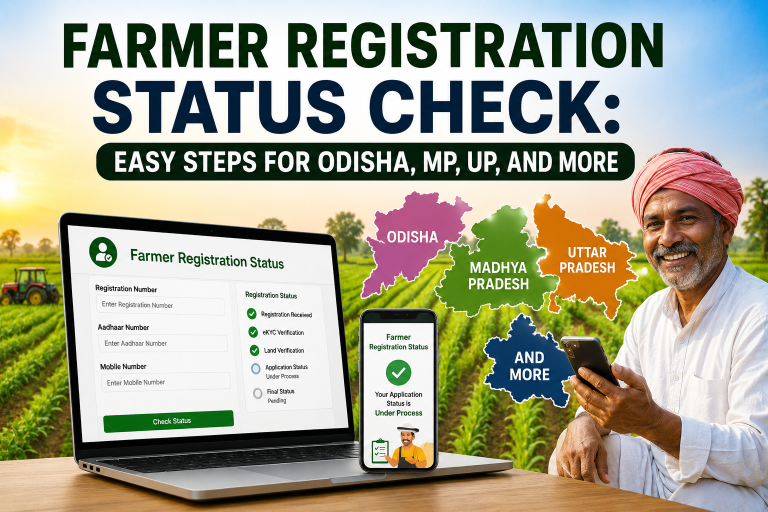
Step 9: Track Your Registration Status
After submitting your application, you can track the progress of your registration directly through the app. You’ll be notified if:
- Your registration is approved.
- Your registration is pending for review or requires additional documents.
- There are errors or rejections, and you will be provided with instructions on how to resolve the issues.
Common Issues in the Register for the Farmer Registration App and Solutions
While registering through the app is generally straightforward, you might encounter some common issues. Here’s how you can solve them:
1. Aadhaar Authentication Issues
- Solution: Ensure that the Aadhaar details you entered match your official Aadhaar records. If there is a mismatch, visit the nearest Aadhaar Enrollment Center to update your information.
2. Document Upload Failures
- Solution: Ensure your documents are scanned clearly and saved in the correct format (usually JPG, PNG, or PDF). Try uploading smaller file sizes if the system is not accepting the documents.
3. Bank Account Linking Errors
- Solution: Double-check that your bank details are entered correctly and that your account is linked to Aadhaar. Visit your bank branch if you are still facing issues.
4. Slow Server or App Crashes
- Solution: If the app is crashing or not responding, try restarting the app or using it during off-peak hours when there’s less traffic on the server.
Why Farmers in Gujarat, MP, and Maharashtra Should Register on the App
- Gujarat: Farmers in Gujarat can avail of state-specific schemes and PM Kisan benefits quickly and easily through the app.
- Madhya Pradesh (MP): MP farmers benefit from faster access to government subsidies and loans by using the app for direct registration.
- Maharashtra: Maharashtra farmers can simplify their registration for various agricultural schemes and get subsidies without delay.
Conclusion
The Farmer Registration App is a powerful tool for farmers in Gujarat, Madhya Pradesh, and Maharashtra to access government schemes, subsidies, and financial support. By following this step-by-step guide, farmers can easily complete their registration, link their Aadhaar, bank account, and land records, and start receiving government benefits.
Don’t delay! Download the app, complete your registration today, and take advantage of all the benefits available to you. The digital solution ensures a quicker, more efficient process, saving you time and effort.