
Farmer Registry Card Download (Agristack Farmer ID Card Download Guide)
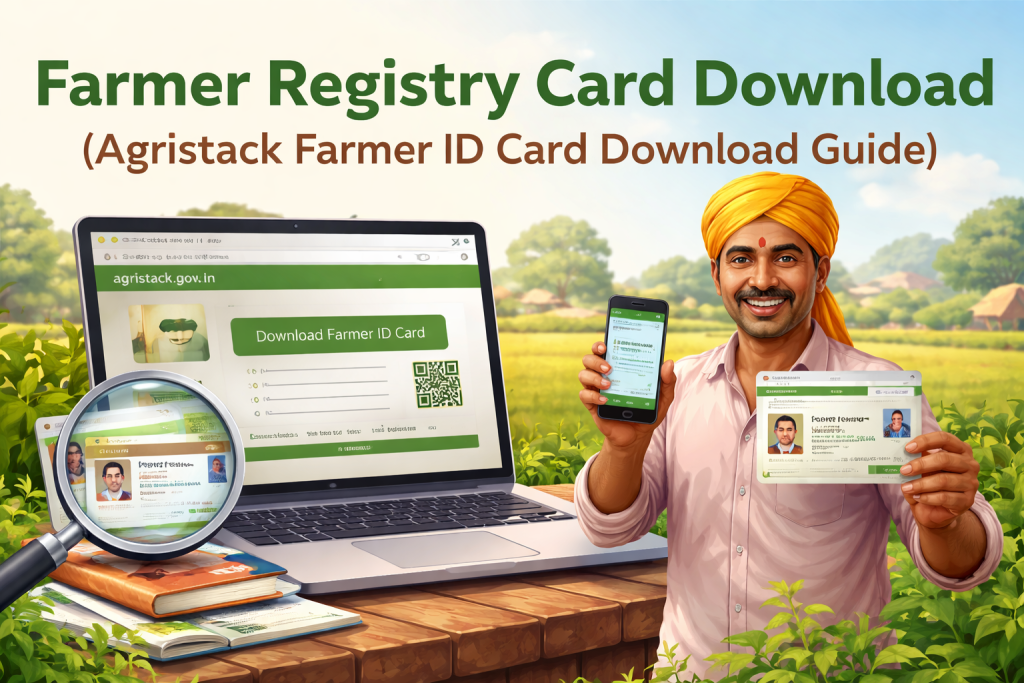
Farmer Registry Card Download means getting your Agristack Farmer ID Card after completing Agristack Registration on a State Agristack Portal. This card is generated once your data is stored and approved in the Farmer Registry Platform.
In simple terms, this card is your identity inside Agristack. It connects your Farmer ID Number, land details, and verified information in one place. So, whenever you use Agristack Login or do Status Check, the system reads your data through this ID.
Also, without downloading the card, your registration stays incomplete in practical use. Therefore, this step is not optional. It is required.
Why Farmer Registry Card is important for Agristack users?
The Farmer Registry Card is important because it connects you directly with the Agristack Portal and State Agristack Portal systems. Once your card is generated, your Farmer ID becomes active across the platform.
Moreover, the card reduces confusion. Instead of entering data again and again, your Farmer ID works as a single identity. So, when you log in or check your status, everything loads instantly.
Think of it like a school ID. Without it, you keep explaining who you are. With it, everything is already known.
Eligibility for Farmer Registry Card Download
Not everyone can download the card immediately. First, the system must confirm your registration.
Eligibility Criteria Table
| Condition | Requirement |
|---|---|
| Agristack Registration | Must be completed |
| Farmer ID Number | Must be generated |
| Verification | Should not be pending |
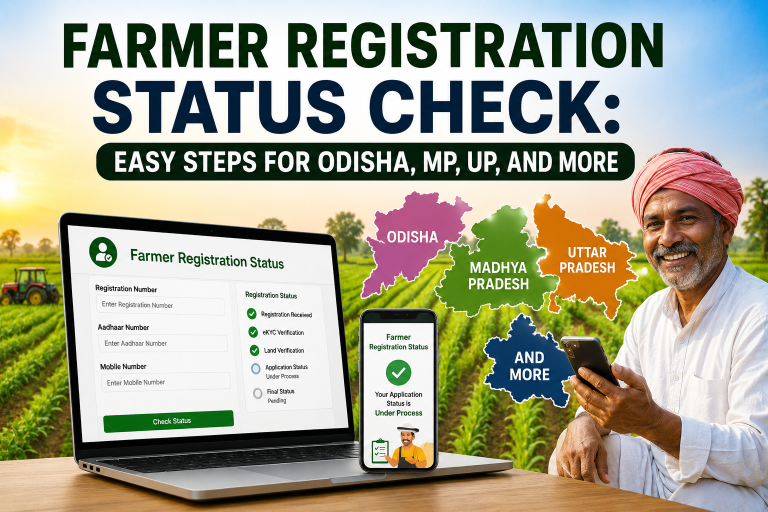
| Status Check | Should show approved or completed |
Also, if your status shows Verification Pending, then download will not be available yet.
Requirements before Farmer ID Card Download
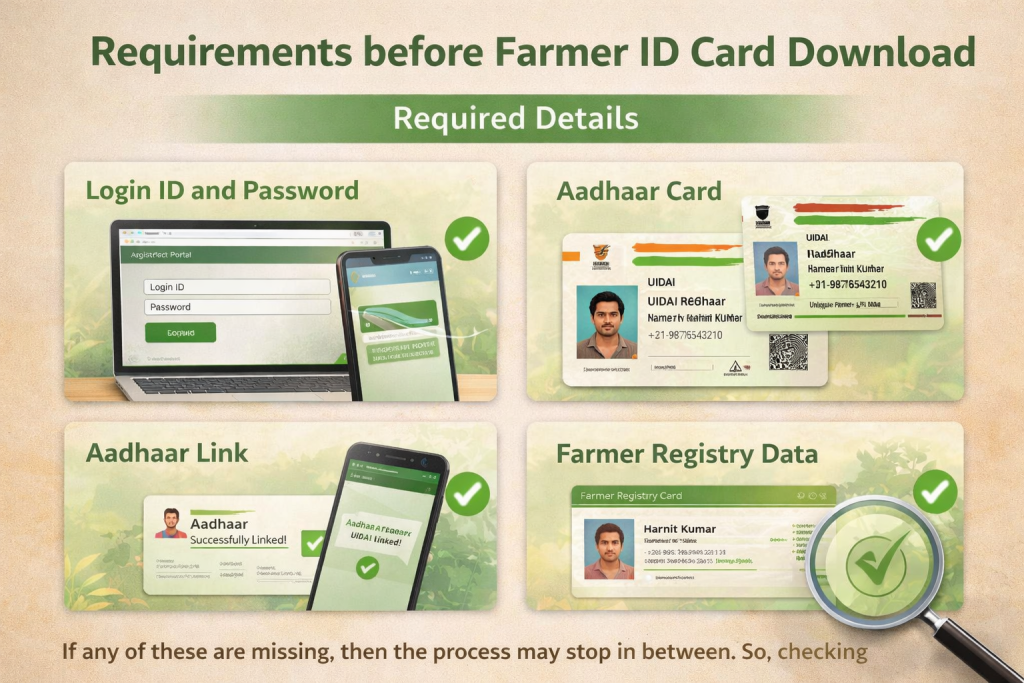
Before starting the download process, a few things must be ready.
Required Details
| Requirement | Purpose |
|---|---|
| Login ID and Password | Access Agristack Login |
| Aadhaar Card | Identity verification |
| Aadhaar Link | Required for validation |
| Farmer Registry Data | Must be approved |
If any of these are missing, then the process may stop in between. So, checking everything first saves time.
How to download Farmer ID Card from Agristack Portal?
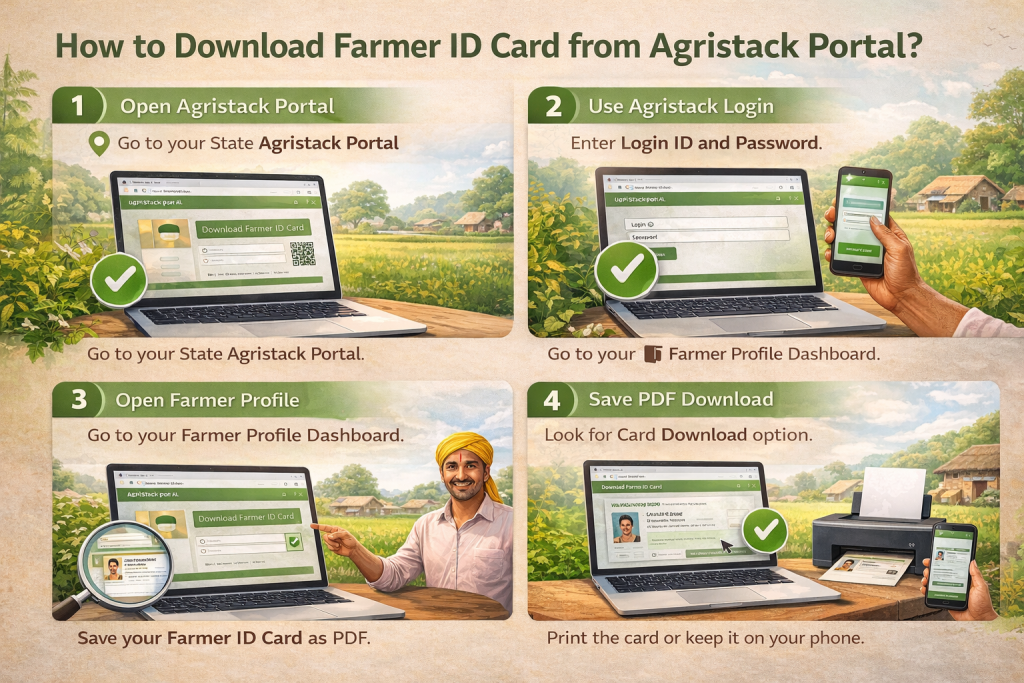
The process is simple and takes only a few minutes.
Step 1: Open Agristack Portal
Go to your State Agristack Portal like UPFR Agristack, MHFR Agristack, or KLFR Agristack.
Step 2: Use Agristack Login
Enter your Login ID and Password. Then, log in to your account.
Step 3: Open Farmer Profile
After login, go to your profile. Here, you will see your Farmer Registry details and Farmer ID.
Step 4: Click Card Download
Look for Card Download or ID Download option. Then, click on it.
Step 5: Save PDF Download
Your Farmer ID Card will be available as PDF Download. Save it on your device.
Step 6: Print if needed
You can print the card or keep it on your phone. Both work fine.
State Agristack Portal Links (Direct Access)
Use your state portal to download your Farmer Registry Card.
Official Portal Table
| State | Portal | Link |
|---|---|---|
| Uttar Pradesh | UPFR Agristack | https://upfr.agristack.gov.in |
| Maharashtra | MHFR Agristack | https://mhfr.agristack.gov.in |
| Kerala | KLFR Agristack | https://klfr.agristack.gov.in |
| Gujarat | GIFR Agristack | https://gjfr.agristack.gov.in |
| Andhra Pradesh | APFR Agristack | https://apfr.agristack.gov.in |
| Rajasthan | RJFR Agristack | https://rjfr.agristack.gov.in |
| Telangana | TRFR Agristack | https://tlfr.agristack.gov.in |
| Tamil Nadu | TNFR Agristack | https://tnfr.agristack.gov.in |
| Odisha | ODFR Agristack | https://odfr.agristack.gov.in |
| Himachal Pradesh | HPFR Agristack | https://hpfr.agristack.gov.in |
| Haryana | HRFR Agristack | https://hrfr.agristack.gov.in |
| Bihar | BRFR Agristack | https://bhfr.agristack.gov.in |
| Chhattisgarh | CGFR Agristack | https://cgfr.agristack.gov.in |
Download by Aadhaar Number (Alternative Method)
Sometimes users forget their Login ID and Password. That is where Download by Aadhaar Number becomes useful.
In this method:
- Enter Aadhaar Card details
- Verify with OTP
- Access Farmer Registry data
- Download Farmer ID Card
So, even if login fails, this method saves the day.
Types of Download Options Explained
Different formats are available depending on your need.
Download Options Table
| Option | Description |
|---|---|
| Card Download | Basic ID view |
| ID Download | Full data view |
| PDF Download | Printable format |
| App Download | Access via Agristack App |
| APK Download | Manual install |
All formats show the same data. Only presentation changes.
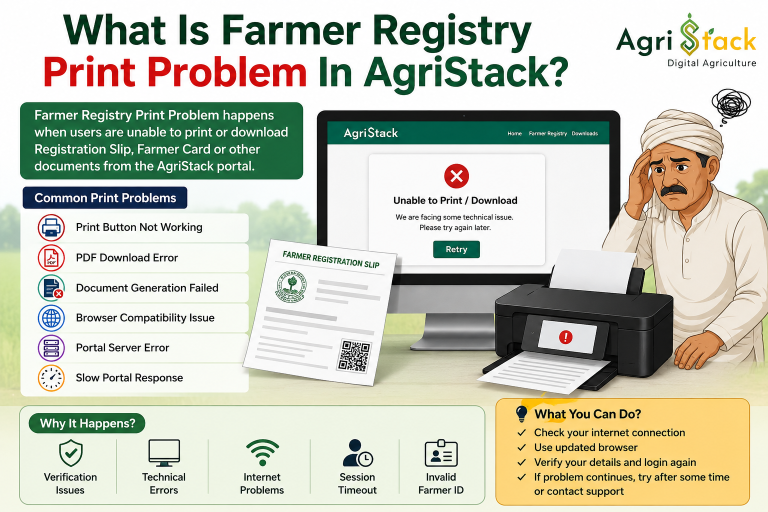
Common Issues in Farmer Registry Card Download
Even though the system is simple, some issues can happen.
Problem and Solution Table
| Problem | Reason | Solution |
|---|---|---|
| OTP Not Received | Aadhaar not linked | Check Aadhaar Link |
| Login Failed | Wrong password | Reset Login ID and Password |
| Verification Pending | Data under review | Wait and check Status Check |
| Website Not Working | Server issue | Try again later |
| Data Missing | Incomplete registry | Update My Information |
Also, patience helps. Sometimes systems take time, just like slow internet on a rainy day.
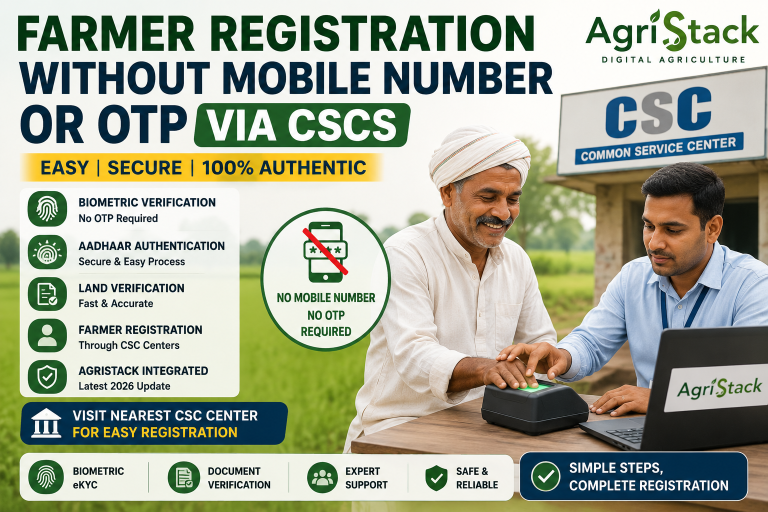
CSC Agristack Support for Card Download
If the process feels difficult, CSC Agristack can help.
Operators use:
- CSC Login
- Operator Login
- Farmer Registry CSC Login
So, farmers can visit a center and complete download easily without confusion.
Final Insight
Farmer Registry Card Download is not just a download step. It confirms that your Agristack Farmer ID is active, verified, and stored in the Farmer Registry Platform.
Thanks for this information
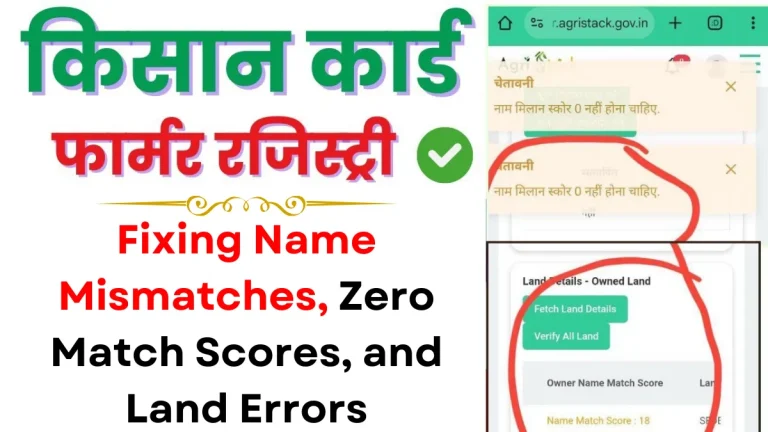
I HAVE A PROBLEM WITH CARD DOWNLOAD (NO LAND DVC FOUND)