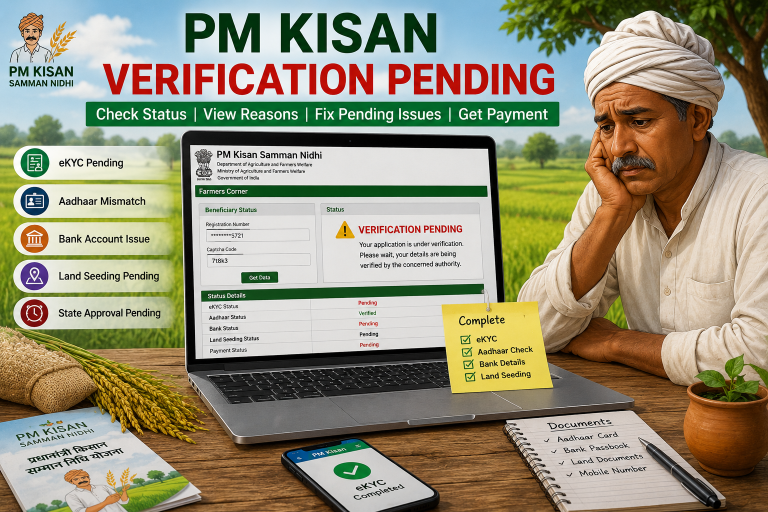
PM Kisan Land Verification Failed
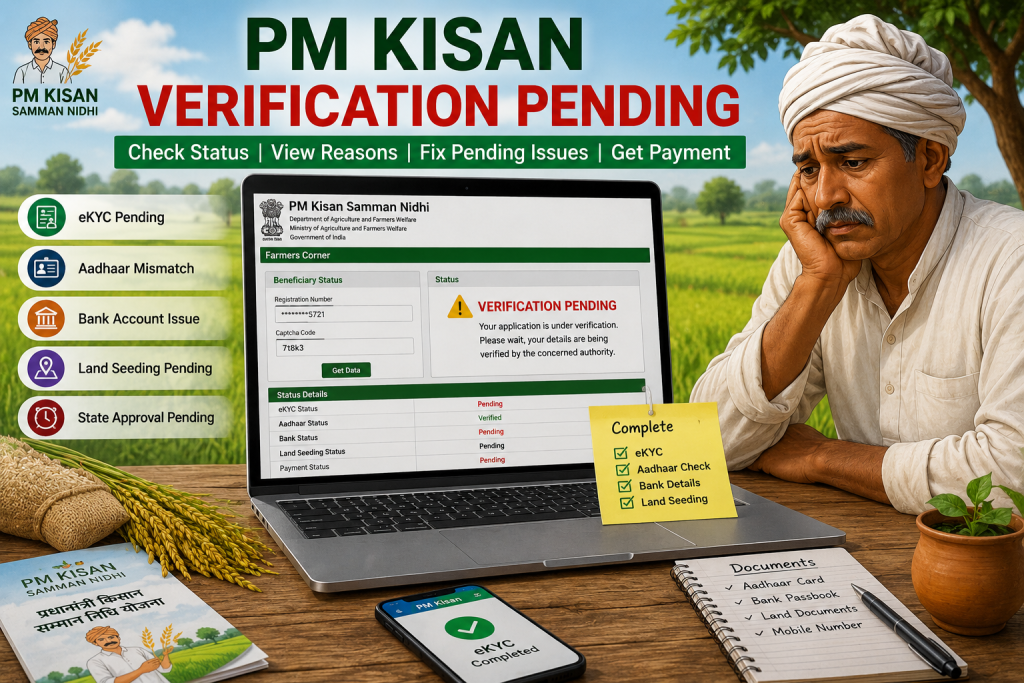
You check your PM Kisan status hoping the installment is finally approved. Then suddenly one message appears on the screen: “Land Verification Failed.” At that moment, even the mobile signal starts feeling suspicious.
PM Kisan land verification failed means the portal could not match your land records with the farmer details submitted during registration. This usually happens because of wrong land record details, Aadhaar mismatch, land seeding issue, or incomplete verification.
Many farmers think their PM Kisan application got rejected forever. That is not true in most cases. Usually, the issue gets fixed after proper land verification and record correction.
The good thing is that most land verification problems can be solved through CSC centers, agriculture offices, or online record updates. So there is no need to panic like the portal just cancelled farming itself.
What Is PM Kisan Land Verification Failed?
PM Kisan land verification failed status appears when the system cannot verify land ownership details connected with the farmer registration record.
The PM Kisan scheme checks:
- Land ownership
- Aadhaar details
- Farmer registration data
- Land seeding records
- Beneficiary information
If these details do not match properly, the system may stop the verification process.
Land verification is important because PM Kisan benefits are only given to eligible landholding farmers. Because of this, the portal checks whether the farmer actually owns or manages the registered land.
Many users face this issue because of:
- Wrong Khata Number
- Wrong Khasra Number
- Aadhaar mismatch
- Incomplete land record
- Old village records
- Land seeding pending
- Spelling mistakes in records
Sometimes one small spelling mistake causes the full verification process to fail. Computers do not care if the mistake is tiny. They react like strict school principals checking uniform buttons.
Why Does PM Kisan Land Verification Failed Show?
Land verification failed status can appear for several reasons. Most problems connect with land records or Aadhaar verification.
Aadhaar And Land Record Mismatch
If the Aadhaar name does not match the land record name, the portal may reject verification.
Wrong Khata Number Or Khasra Number
Incorrect land details create verification failure quickly.
Land Seeding Pending
The land record may not be linked properly with PM Kisan registration.
Village Record Problems
Old or incomplete village records may stop approval.
Duplicate Farmer Record
Sometimes the same land appears connected with multiple farmer accounts.
State Verification Delay
Some applications remain pending because local verification takes time.
Many farmers keep refreshing the page repeatedly after seeing the error. Meanwhile, the portal quietly sits there like a buffalo enjoying winter sunlight.
How To Check PM Kisan Land Verification Failed Status?
Farmers can check land verification status online through the PM Kisan portal.
Step 1: Open PM Kisan Portal
Visit the official PM Kisan website.
Step 2: Open Farmers Corner
Find the Farmers Corner section on the homepage.
Step 3: Click Know Your Status
Open the beneficiary status page.
Step 4: Enter Registration Number
Type the PM Kisan registration number.
Step 5: Verify OTP
Enter the OTP sent to the registered mobile number.
Step 6: Check Land Verification Status
The screen will show:
- Land seeding status
- Beneficiary status
- eKYC status
- Payment status
- Verification details
If land verification failed appears, the farmer should verify land records immediately.
How To Fix PM Kisan Land Verification Failed?
Most land verification issues can be fixed after correcting land and Aadhaar details.
Step 1: Check Aadhaar Details
Verify:
- Name spelling
- Aadhaar number
- Mobile number
The Aadhaar details should match land records exactly.
Step 2: Verify Land Record
Check:
- Khata Number
- Khasra Number
- Village records
- Ownership details
Step 3: Visit CSC Center
Go to nearby CSC center or agriculture office.
Step 4: Submit Required Documents
Carry:
- Aadhaar card
- Land documents
- Bank passbook
- PM Kisan registration number
Step 5: Request Land Seeding Update
Ask the operator to update land seeding details.
Step 6: Recheck Status Online
After updates, check PM Kisan status again.
Sometimes the update works within days. Other times the process moves slower than wedding guests standing near biryani line.
How To Fix Aadhaar Mismatch In PM Kisan?
Aadhaar mismatch is one of the biggest reasons behind land verification failure.
The portal checks whether:
- Aadhaar name
- Land ownership name
- PM Kisan registration name
all match properly.
If one detail differs, verification may fail.
Step 1: Open Aadhaar Record
Check the exact spelling in Aadhaar.
Step 2: Compare PM Kisan Record
Match Aadhaar details with PM Kisan registration.
Step 3: Compare Land Record
Verify the same spelling exists in land documents.
Step 4: Correct Wrong Details
Update incorrect records through CSC center or related office.
Step 5: Retry Verification
Check status again after updates.
Even one missing letter can create problems. One extra “h” in the name sometimes causes bigger trouble than forgetting tractor keys.
How To Fix Land Seeding Pending In PM Kisan?
Land seeding connects farmer registration with land ownership records. Without proper land seeding, PM Kisan verification may fail.
Step 1: Visit Agriculture Office
Go to the local agriculture department office.
Step 2: Carry Land Documents
Bring:
- Land ownership papers
- Aadhaar card
- PM Kisan registration details
Step 3: Verify Land Ownership
Officials check ownership records.
Step 4: Update Land Seeding
Land records get linked with farmer account.
Step 5: Wait For Approval
The system updates verification status after processing.
Many farmers think the process happens instantly. Sadly, government portals sometimes move like sleepy turtles after lunch break.
How To Fix PM Kisan Payment Delay After Land Verification Failed?
Payment delay often happens because verification remains incomplete.
Common Payment Delay Reasons
- Land verification failed
- Aadhaar mismatch
- Bank account issue
- eKYC pending
- State approval pending
Step 1: Complete eKYC
Finish Aadhaar OTP verification.
Step 2: Verify Bank Account
Check:
- Aadhaar linking
- IFSC code
- Active DBT status
Step 3: Correct Land Records
Update wrong land details immediately.
Step 4: Check Beneficiary Status
Monitor verification status online.
Step 5: Contact Agriculture Office
Visit office if status remains pending for long time.
Usually, payments start after successful verification. The portal finally behaves properly once all records stop fighting with each other.
FAQ About PM Kisan Land Verification Failed
What Does PM Kisan Land Verification Failed Mean?
It means the portal could not verify the farmer’s land ownership records.
Can Land Verification Failed Be Fixed?
Yes. Most cases get fixed after updating land records and Aadhaar details.
Why Is Land Seeding Important?
Land seeding links land records with PM Kisan registration.
Does Aadhaar Mismatch Affect PM Kisan?
Yes. Aadhaar mismatch can stop verification and payment approval.
Can CSC Center Fix Land Verification Failed?
Yes. CSC centers help with land seeding and record correction.
How Long Does Land Verification Take?
The timing depends on local verification and record updates.
Final Words
PM Kisan land verification failed usually happens because of land record mismatch, Aadhaar issue, or land seeding problems. Most cases can be fixed after proper verification and document correction.
Start by checking beneficiary status online. Then verify Aadhaar details, land ownership records, and land seeding information carefully. After successful updates, the verification process usually moves forward smoothly.